Image compressor and converter for Mac
Optimize images for websites, shops and social media on macOS with local batch conversion and live previews.
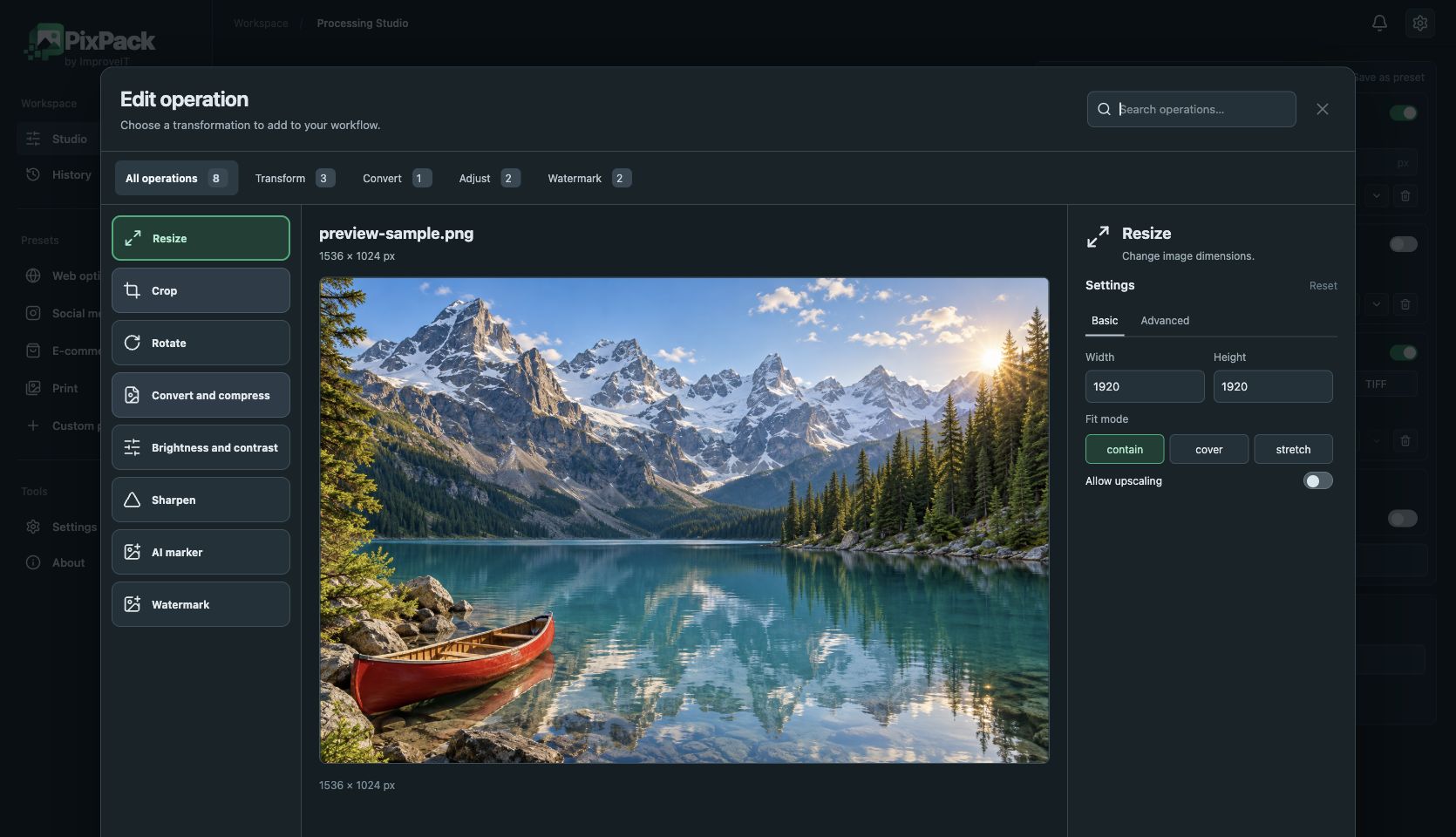
PixPack prepares batches of images on your Mac without uploading image content. Import files or a folder, choose your operations and export to your own directory.
Choose the installer for Apple Silicon or Intel. Resize and WebP export suit product images; JPEG or PNG can be preferable when compatibility matters. Review a sample before processing the whole batch.
How to use PixPack
- Download the matching DMG and move PixPack to Applications.
- Add images or a folder and choose Web optimized.
- Adjust dimensions and format in the operation preview.
- Select an output directory and process your images.
JPEG · PNG · WebP · TIFF
Local image optimization, conversion and processing. Free: up to 5 queued files. Premium: $9.99 USD one-time, lifetime after licence activation.