Batch JPG and PNG to WebP converter
Convert batches of JPG and PNG images to WebP for websites and online shops without uploading image content.
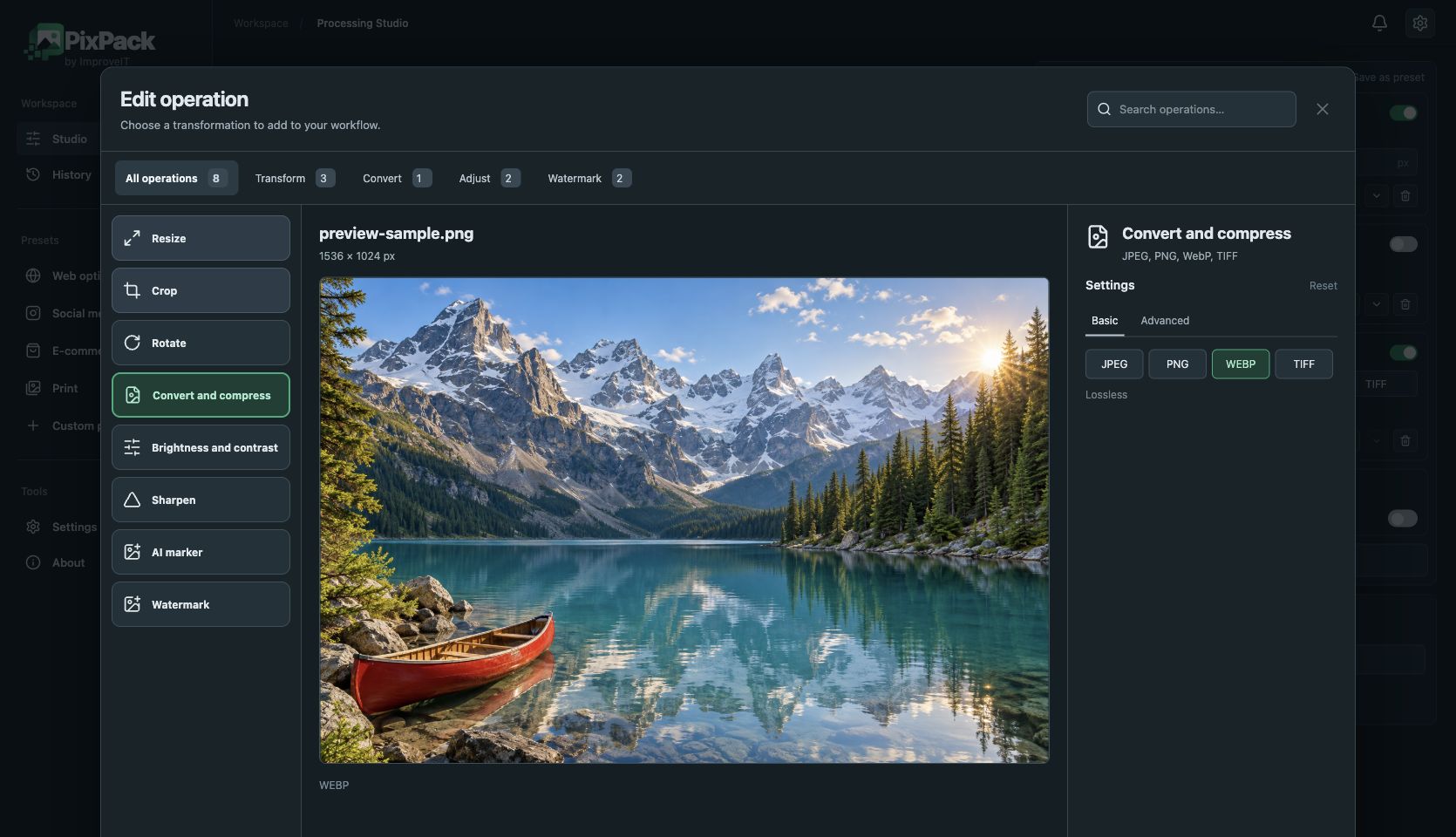
Apply one set of settings to an entire group of files instead of converting images individually. Combine resize and conversion so output dimensions match the website that will display them.
PixPack uses lossless WebP encoding. Deliberate resizing, cropping or colour adjustments can still change source pixels. File size depends on image content; WebP is not always smaller than the input. JPEG has a separate quality setting.
How to use PixPack
- Import JPG or PNG files.
- Set output dimensions if the images are larger than needed.
- Enable conversion and choose WebP.
- Export and compare output size and appearance.
JPEG · PNG · WebP · TIFF
Local image optimization, conversion and processing. Free: up to 5 queued files. Premium: $9.99 USD one-time, lifetime after licence activation.