Batch watermark images locally
Add a logo to a batch of images with position, scale and opacity controls and a live preview.
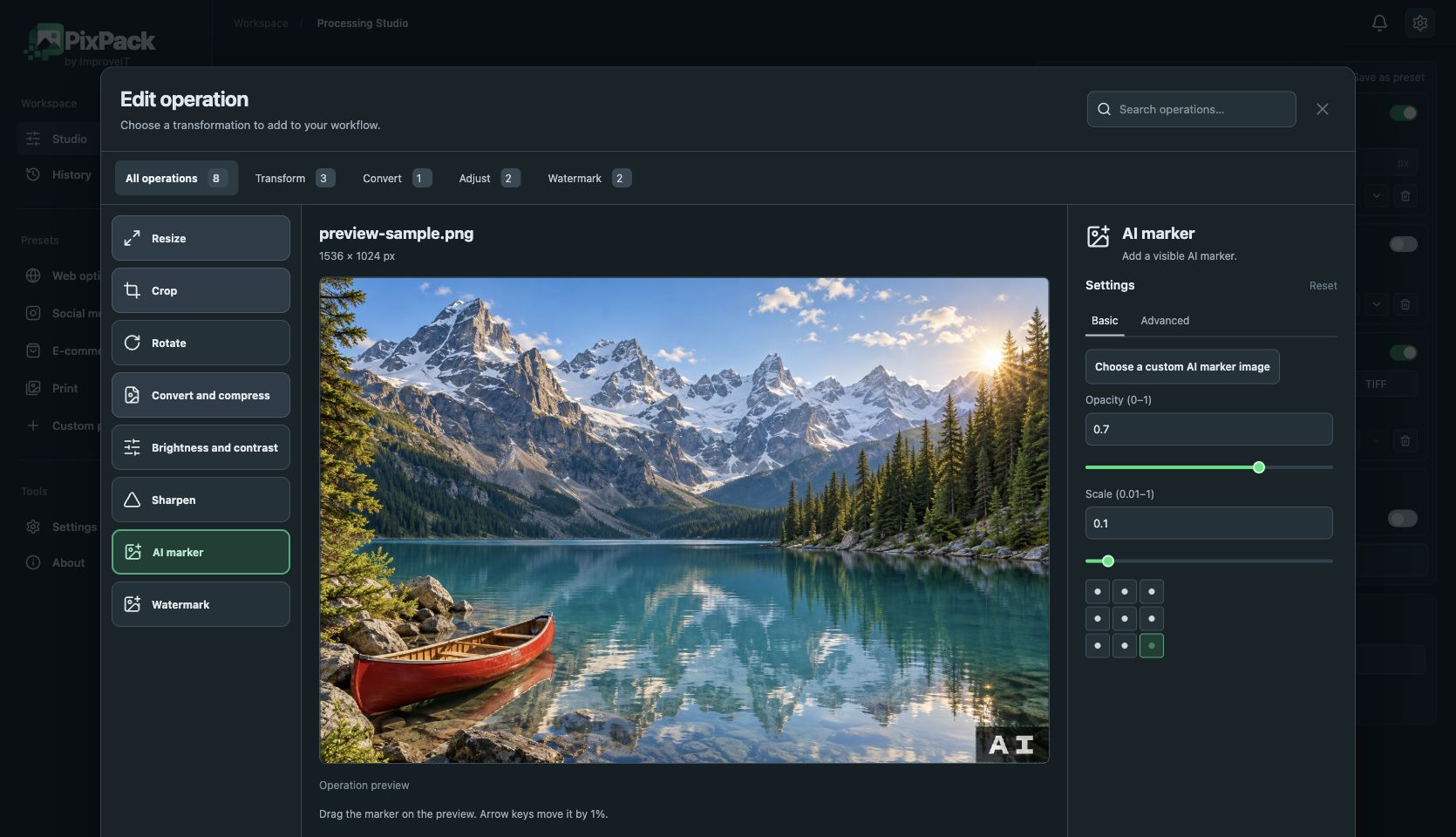
A watermark provides consistent identification for product photos, portfolios and images published online. Select a logo file, choose its position, size and opacity, and apply those settings to the queue.
Place watermarking after operations that change the frame when you want to position the logo on the final composition. The separate AI marker adds a visible disclosure badge; it does not generate images or automatically identify their origin. A visible watermark does not prevent copying.
How to use PixPack
- Import images and add a Watermark operation.
- Choose your logo file.
- Adjust position, scale and opacity in the preview.
- Check operation order and export the results.
JPEG · PNG · WebP · TIFF
Local image optimization, conversion and processing. Free: up to 5 queued files. Premium: $9.99 USD one-time, lifetime after licence activation.