Bulk photo resizer for Windows
Resize batches of photos, organize output names and export consistently on Windows.
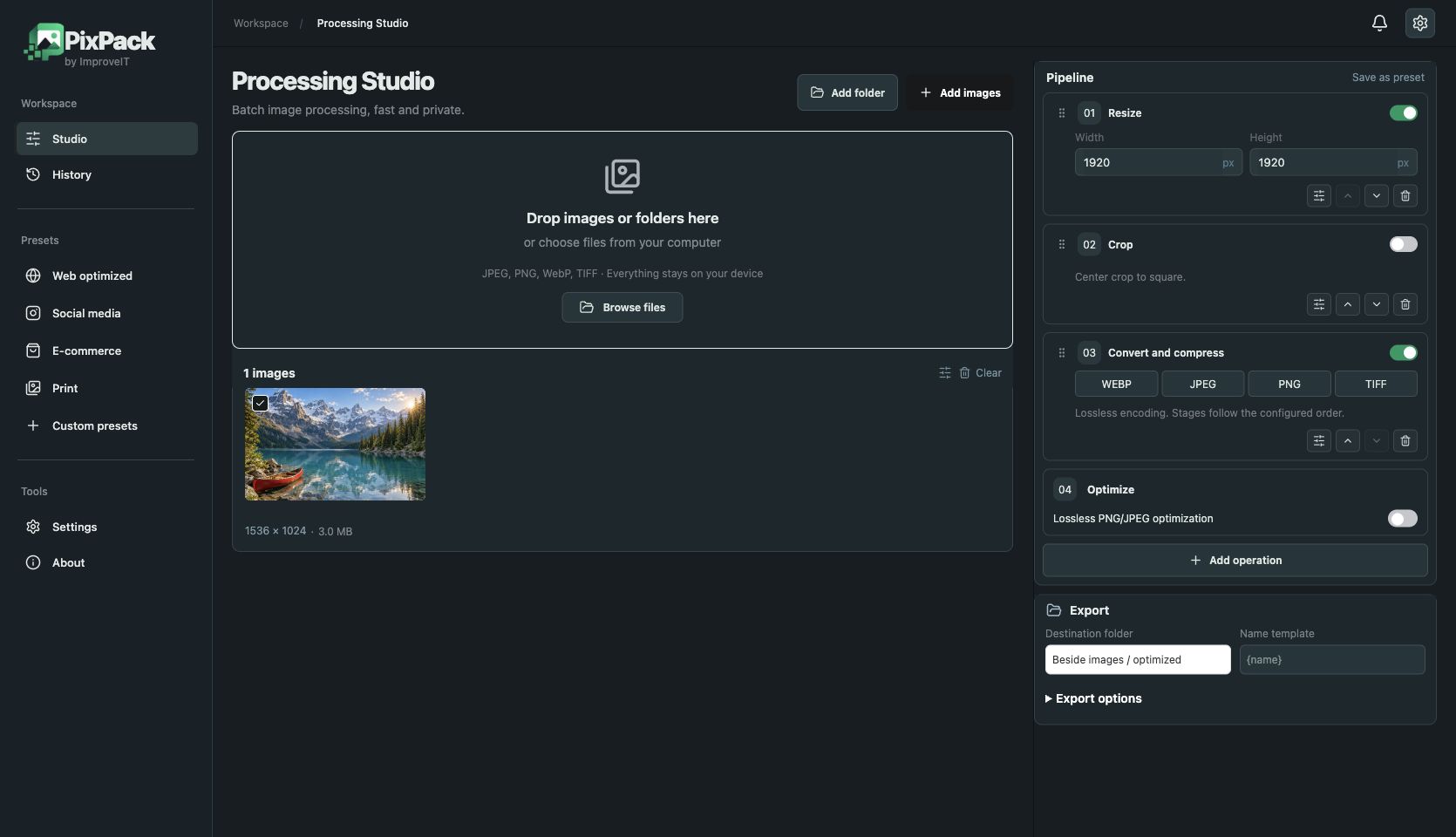
Product listings and catalogues benefit from consistent image dimensions and clear filenames. PixPack applies common dimensions, fit mode and an ordered operation sequence to your batch.
Contain preserves aspect ratio, cover fills the chosen frame and stretch changes proportions. Enable upscaling deliberately: additional pixels cannot restore missing source detail. Use a filename template and a dedicated output directory to keep files organized.
How to use PixPack
- Download the Windows x64 installer.
- Import your batch and enable resize.
- Set dimensions and fit mode, then review the preview.
- Set output names and export to a chosen directory.
JPEG · PNG · WebP · TIFF
Local image optimization, conversion and processing. Free: up to 5 queued files. Premium: $9.99 USD one-time, lifetime after licence activation.