Warehouse workstation
Scan barcodes, register goods movements, print labels and connect to an ERP. A local operation queue supports work during connectivity loss and sends changes when the connection returns.
Services
We design and develop desktop applications for macOS (OS X), Windows and Linux. We combine intuitive interfaces with local files, devices and system integrations. From prototypes and MVPs to installers, distribution and maintenance, we define the scope around your users and operating environment.
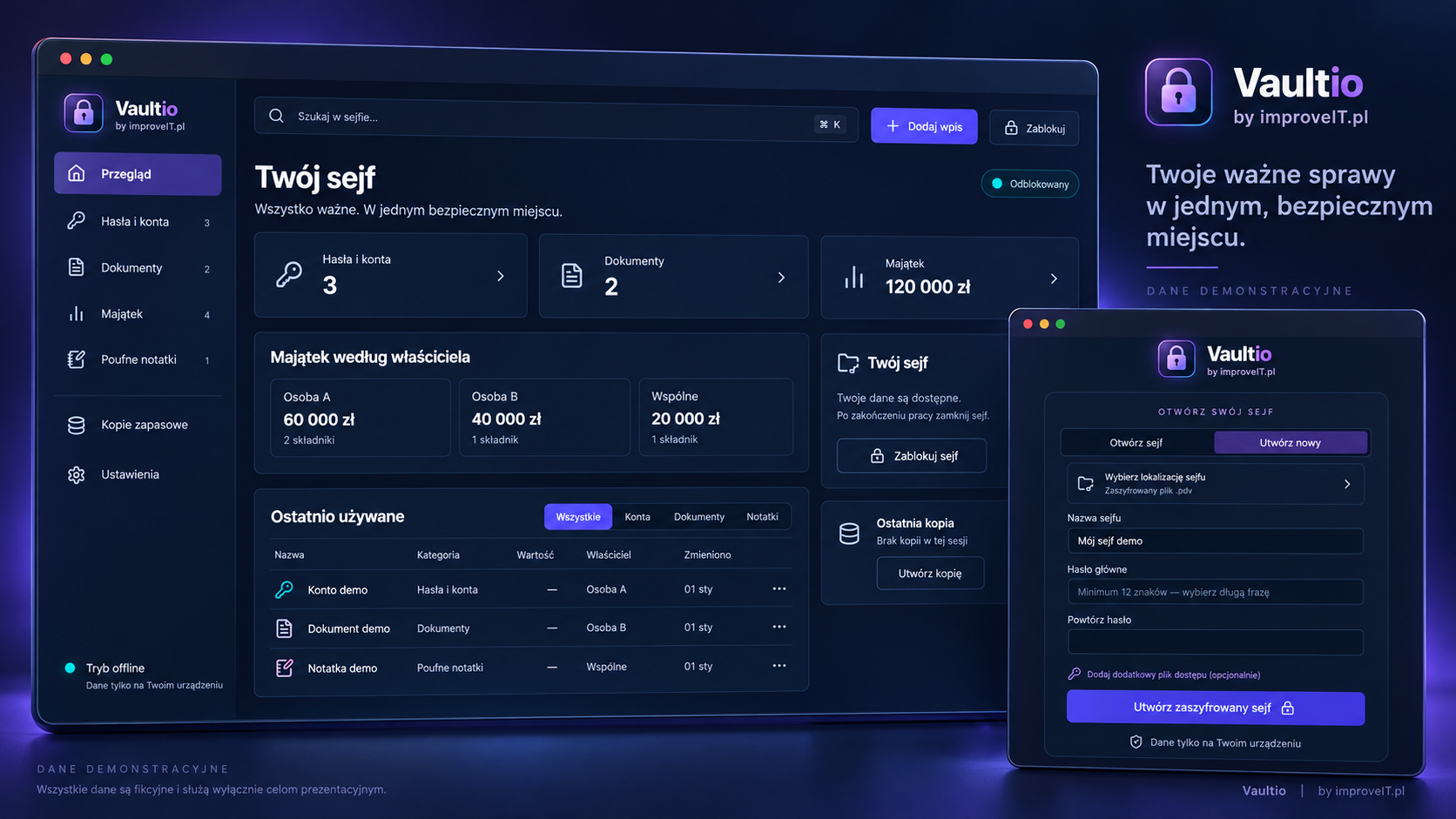
A local vault for passwords, documents and business data. No mandatory cloud storage, with an encrypted file, offline workflows and backups.
All displayed data is fictional; this presentation is not a screenshot of user data.
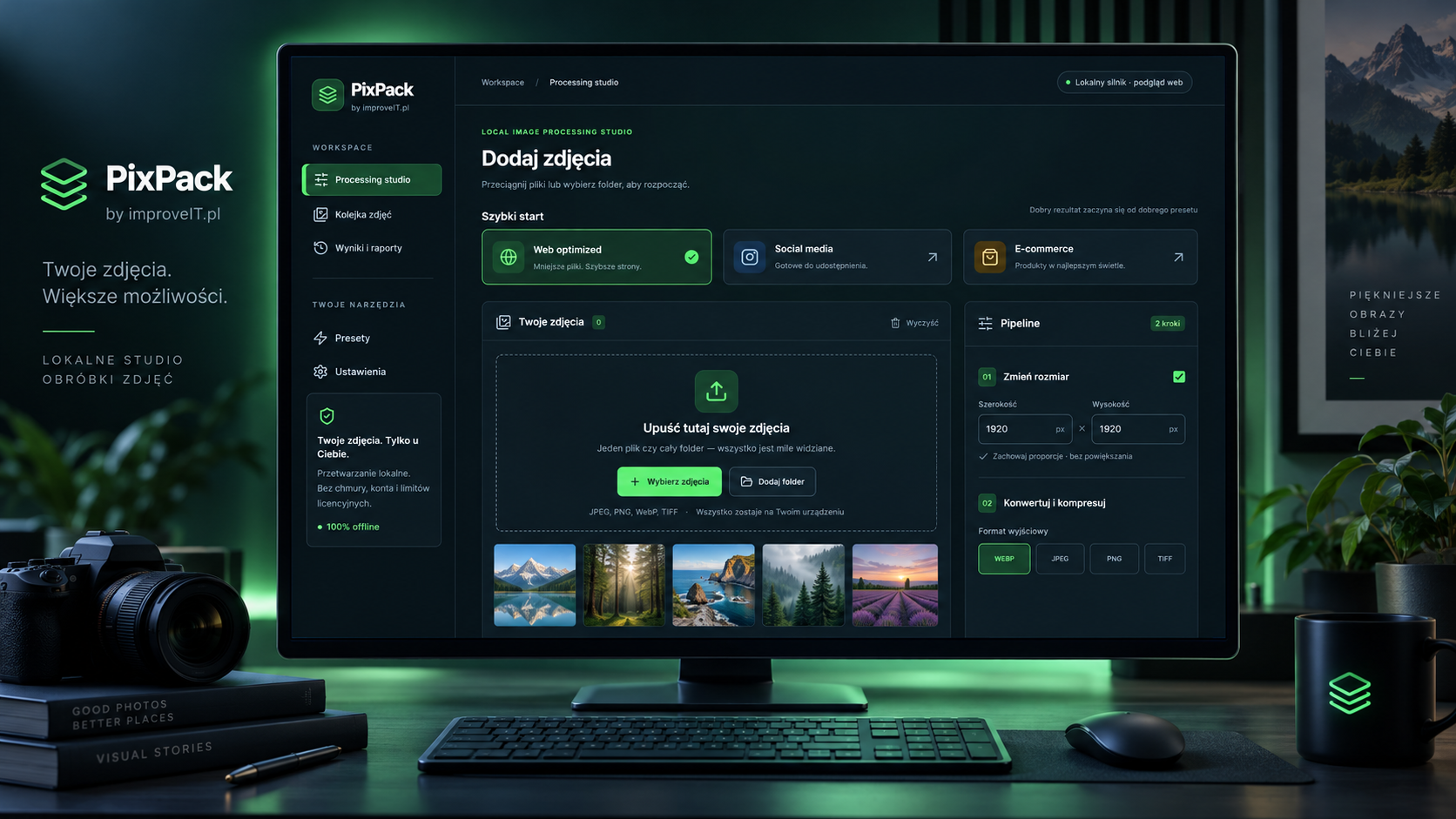
PixPack by improveIT.pl: a desktop tool for resizing, cropping and converting images, with local processing, presets and reports.
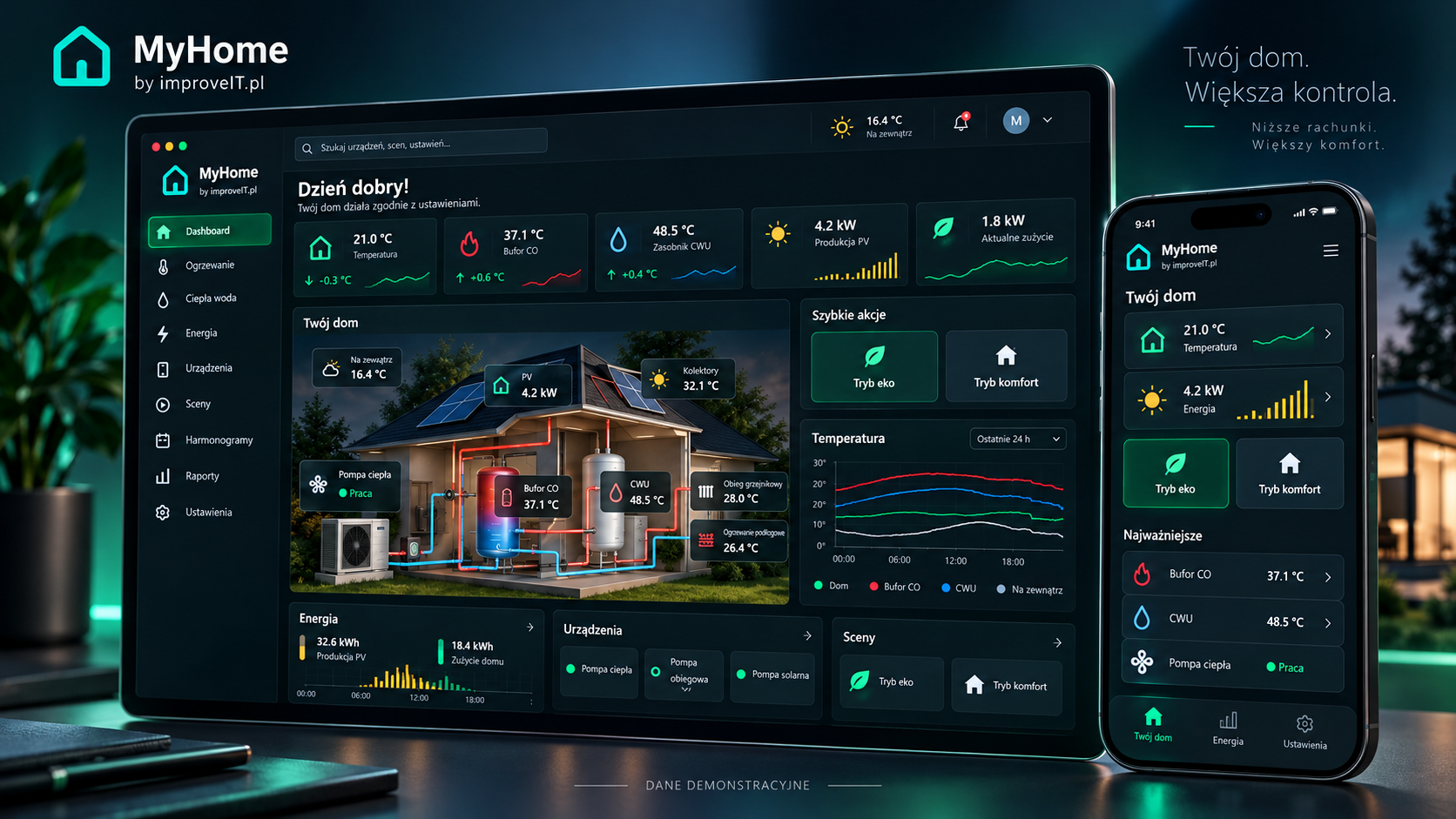
MyHome by improveIT.pl: a desktop and mobile product for managing home heating, hot water, devices and energy.
Readings are demonstration data; the mobile view is an illustrative adaptation of the desktop interface.
These are possible use cases for the service, rather than claims about completed client projects.
Scan barcodes, register goods movements, print labels and connect to an ERP. A local operation queue supports work during connectivity loss and sends changes when the connection returns.
Import CSV or spreadsheet files and API data, validate records, calculate results and export reports. Processing can remain local when company policies restrict cloud transfers.
Configure equipment, collect measurements and diagnose devices over USB, serial ports or a network. We check drivers and permissions for every supported operating system.
Organize documents, search content, generate files and automate repetitive tasks. Optional AI can use local models or an agreed API depending on hardware and data policies.
Shared code reduces duplication. We test critical workflows on the agreed operating systems and account for platform differences.
We define supported macOS versions and Apple Silicon or Intel architectures. Distribution outside the store includes signing, notarization and required permissions where applicable.
We prepare the agreed installer format, system integrations and update workflow. Testing includes standard user accounts and your IT deployment requirements.
We agree on supported distributions, architectures and package formats such as AppImage, deb or rpm. Device access and system libraries are verified in those environments.
We select the stack after reviewing integrations, memory usage, package size and maintenance requirements.
Tauri combines a web interface with Rust logic. Electron provides the JavaScript and Chromium ecosystem. Qt or PySide supports desktop interfaces and existing C++ or Python code.
We design local storage, encryption where required, retries and conflict resolution. Users can see which changes have synchronized.
We prepare build pipelines, signed releases, update channels and a recovery plan for faulty versions. Source code, build instructions and documentation are delivered in the agreed scope.
Core workflows can share code, while installation, permissions and hardware integrations differ. We agree on supported OS versions and architectures and test critical workflows on each platform.
When reliable offline work, large local files, hardware access or system integrations are essential. We also evaluate a web application during discovery to match delivery costs to your needs.
Yes. We review code, dependencies, drivers and licenses, then recommend porting, extracting shared logic or a phased rebuild with data migration.
User workflows, target operating systems and architectures, hardware integrations, offline requirements and distribution plans. We scope the MVP, further development, maintenance and distribution account or certificate costs separately.